
Welcome to Email Fixes
You’ve spent twenty minutes staring at a frozen screen, or chased down three ‘fixes’ online that didn’t work, or just given up and restarted your computer for the tenth time this week.
Tech problems don’t just slow you down—they make you feel like you’re the one breaking the rules, even when you’re not. That’s where *Email Fixes* comes in.
This is the place for clear, step-by-step answers to the tech problems you actually have. No fluff, no jargon, no ‘try this if that doesn’t work’ rabbit holes. Just the solutions that work the first time, written for people who aren’t engineers—or who stopped pretending to be one years ago.
Our story
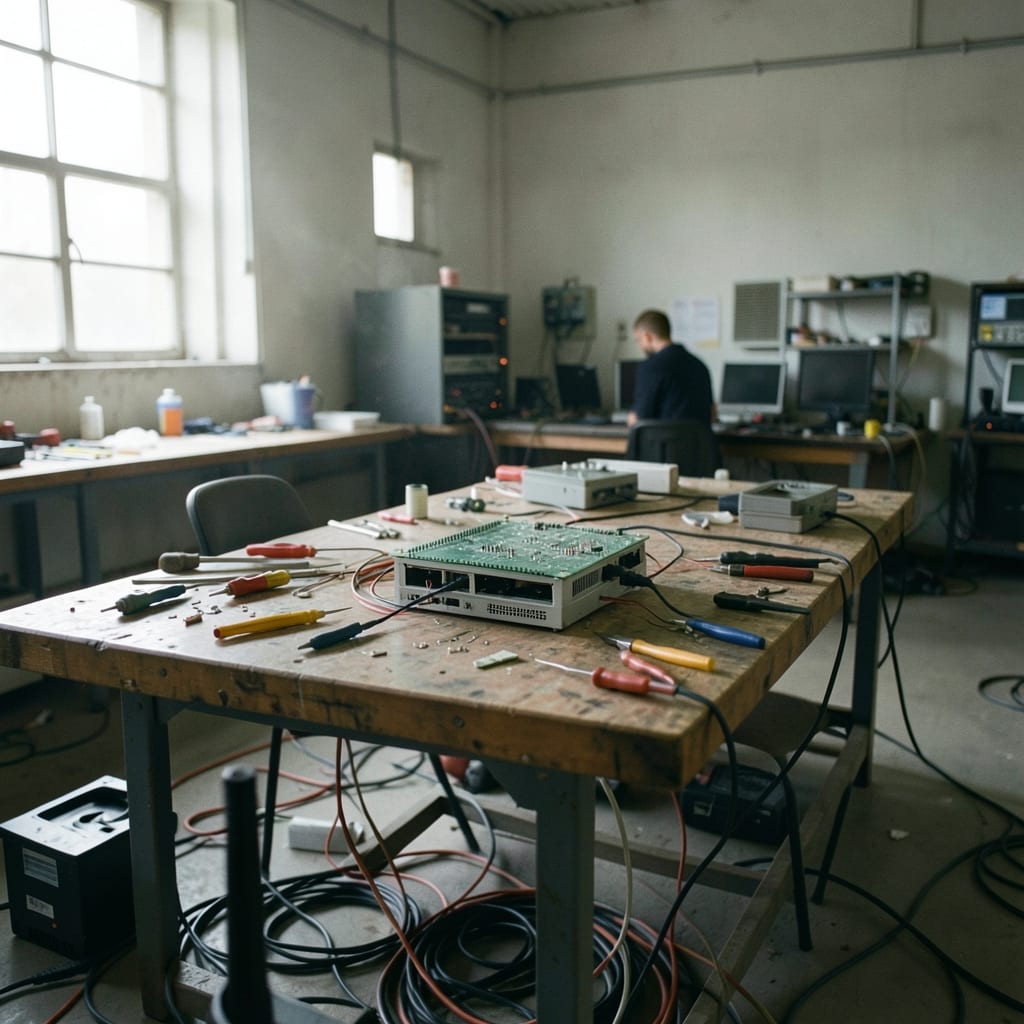
The first time *Email Fixes* was needed was in a dimly lit garage in 2018, at 2:17 AM, when a Windows update turned a perfectly functional laptop into a brick. The error code—0x80070002—meant nothing to the average user, but the frustration was universal.
Theo Vandergriff, then debugging his own machine with a borrowed screwdriver and a half-empty coffee, realised most ‘solutions’ online were either outdated, overly technical, or just plain wrong. That night, he wrote down the steps that *actually* fixed it—and kept a notebook.
The notebook grew into a shared doc, then a blog, then this site. The rule was simple: if you couldn’t explain a fix in three paragraphs without assuming the reader knew what a registry key was, it wasn’t ready.
The first 100 guides were tested on real machines—some borrowed, some donated—by people who’d emailed asking for help. What changed was the realisation that tech problems aren’t just about code; they’re about the moment someone’s workflow grinds to a halt because their system decided to misbehave.
Now, *Email Fixes* exists because the internet still treats users like optional extras in the manual.
Here, the focus is on the *human* side of tech: the panic when your email client freezes mid-send, the relief when a corrupted file finally opens, the quiet satisfaction of knowing why your printer ‘just stopped working’.
What we stand for
*Email Fixes* exists to make tech less intimidating. That means no hand-wavy advice, no ‘just wait and see,’ and no treating users like they’re supposed to memorise every command line.
Our work is built on three ideas: problems have real solutions, clarity matters more than complexity, and no one should have to restart their computer three times to get their work done.
What you will always get here
- Solutions that work the first time, tested on real machines—not just ‘theoretical’ fixes.
- Explanations written for people who don’t have a CS degree (or who forgot theirs).
- No upselling, no affiliate links, no ‘premium’ content hiding the good stuff.
- A focus on the tools and methods that actually fix problems, not the ones that make the writer look smart.
Meet the team

Behind *Email Fixes* is a small group of writers and testers who’ve all spent too much time staring at error messages. We’re not sysadmins, but we’ve all been the person frantically Googling at 2 AM.
Our backgrounds range from self-taught troubleshooters to ex-IT support staff, and our shared language is the one that turns ‘it’s broken’ into ‘here’s how to fix it.’
Theo Vandergriff
Theo Vandergriff runs *Email Fixes* with the same stubbornness he once used to coax a dial-up modem into connecting at 56K. His role as Founder & Editor means he’s the one who signs off on every guide, ensuring it’s both accurate and written for someone who’s never opened a terminal.
Before this, he worked in IT support, where he learned that the most common problems—like a frozen Outlook or a disappearing Wi-Fi signal—weren’t ‘hard’ at all, just poorly explained.
On his desk sits a 2005-era Dell laptop (the one he fixed that first night), a mechanical keyboard with a broken ‘P’ key (he always types ‘teh’ instead), and a sticky note with the error code ‘0x80070002’ written in red pen.
His first drafts are always too long, his second drafts cut too many details, and his third drafts—after testing the steps himself—are the ones you read.
I still get emails from people who say, ‘I followed your guide and it worked—thank you.’ That’s the whole point. Tech should feel like a tool, not a puzzle you’re not allowed to solve. If you can’t explain it so your non-tech-savvy aunt understands, you haven’t nailed it yet.
Theo Vandergriff
How we create our content

Every guide on *Email Fixes* starts with a real problem—either one we’ve encountered ourselves or one sent in by a reader. The process isn’t about writing; it’s about *fixing*. We don’t start with a blank page; we start with a machine that’s not working, and we don’t stop until it is.
The testing phase
The first step is reproduction. If we can’t recreate the problem on at least three different machines—running the same OS but with different hardware—we know we’re missing something.
This means setting up virtual environments, restoring old backups, or (in one case) installing Windows 7 on a 15-year-old laptop just to see what went wrong. Some fixes take 20 minutes; others take three hours. The goal isn’t speed; it’s accuracy.
During this phase, we document every step, every error code, and every dead end. No assumption is left unchecked. If a guide says ‘delete this file,’ we’ve confirmed that file exists in every version of the OS it covers.
If it mentions a command, we’ve run it in a clean environment to ensure it doesn’t brick the system. The result is a roadmap that starts at ‘your problem’ and ends at ‘it’s fixed.’
The writing phase
Once the fix is confirmed, the real work begins: turning technical steps into plain language. We cut jargon, replace ‘navigate to’ with ‘click,’ and ensure every instruction is unambiguous. A screenshot isn’t just a screenshot—it’s annotated to highlight where the cursor should be.
A command isn’t just a command; it’s explained *why* it works. The final draft is tested again, this time by someone who’s never seen the problem before. If they get stuck, we go back to the drawing board.
Join our community
This site exists because tech problems are often solved faster by a crowd than by a single person.
Here, you’ll find answers to questions like *‘Why does my printer say it’s out of ink when it’s not?’* or *‘How do I recover a deleted file in Linux without losing my mind?’*—and if your question isn’t here yet, chances are someone else has asked it before.
Good suggestions get added to the queue; common issues become new guides. The best part? You’re not just reading; you’re contributing to a place where tech problems have real solutions.
Let's connect
We love hearing about the fixes that worked, the problems we missed, or even the times you had to restart your computer three times (we’ve all been there). If you’ve got a tech struggle or a success story, the contact page is where to share it.
Let’s make sure the next person doesn’t have to pull an all-nighter to get their system back.
Thanks for being here.
The guides are grouped by category: App, Coding, Hardware, Operating System, Outlook and PowerPoint.