Skip to content
Email Fixes

Email Fixes

  • All Articles
  • App
  • Coding
  • Hardware
  • More
    • Operating System
    • Outlook
    • PowerPoint
    • Review
    • Software
    • Tip & Trick
    • Troubleshooting
    • Windows

PowerPoint

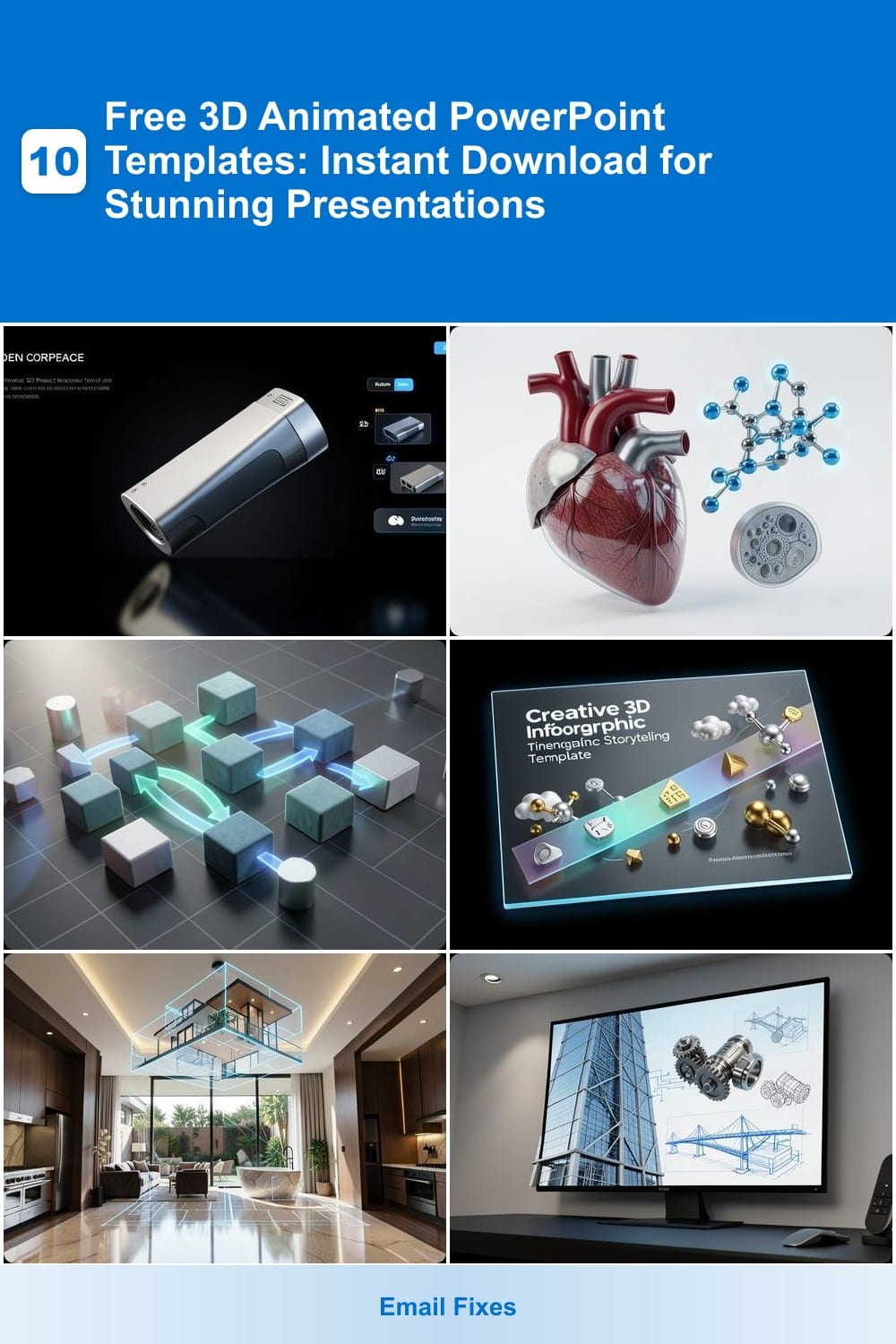
10 Free 3D Animated PowerPoint Templates: Instant Download for Stunning Presentations
November 6, 2026 by Theo Vandergriff
10 Free 3D Animated PowerPoint Templates: Instant Download for Stunning Presentations

Elevate your presentations with these 10 free 3D animated PowerPoint templates that add professional depth without breaking the bank. Perfect for business pitches, educational content, or creative projects, these instant…

Read more

Categories PowerPoint

How to Change Footer in Powerpoint: Brand Your Slides in Seconds

October 12, 2026 by Theo Vandergriff
How to Change Footer in Powerpoint: Brand Your Slides in Seconds

Changing your PowerPoint footer is the fastest way to brand every slide without touching a single design element. ✨ I’ve helped dozens of clients add company names, dates, and page numbers to presentations—most finish in…

Read more

Categories PowerPoint

How to Download PowerPoint on iPad: One-Tap Access to Full Office Suite

October 8, 2026 by Theo Vandergriff
How to Download PowerPoint on iPad: One-Tap Access to Full Office Suite

Downloading PowerPoint on your iPad isn’t just possible—it’s shockingly simple, especially when you know the right path. ⚡ Back in my uncle’s basement workshop in 1998, replacing a floppy drive felt like rocket science…

Read more

Categories PowerPoint

How to Install Powerpoint from Office 365: Office 365 Setup in 5 Simple Clicks

October 11, 2026 by Theo Vandergriff
How to Install Powerpoint from Office 365: Office 365 Setup in 5 Simple Clicks

Installing PowerPoint from Office 365 is faster than you’d expect— five clicks gets you from download to presentation-ready in minutes. ✨ I’ve walked clients through this process dozens of times, and the key is skipping…

Read more

Categories PowerPoint

List of Transition Effects in Powerpoint: Smooth Slideshow Flow for Professional Presentations

October 17, 2026 by Theo Vandergriff
List of Transition Effects in Powerpoint: Smooth Slideshow Flow for Professional Presentations

Want to elevate your PowerPoint presentations with polished transitions? These seven transition effects create smooth slideshow flow while keeping your audience engaged—perfect for business, education, or creative…

Read more

Categories PowerPoint

Microsoft Clip Art Images Free Download: Legacy Office Icons for PowerPoint Presentations

October 6, 2026 by Theo Vandergriff
Microsoft Clip Art Images Free Download: Legacy Office Icons for PowerPoint Presentations

You can still download Microsoft Clip Art images for free from Microsoft’s official archives, even though the service officially ended years ago. Remember those cheerful clip art icons that made every PowerPoint slide…

Read more

Categories PowerPoint

10 Microsoft Office PPT Templates: Free Downloads for Stunning Presentations in Minutes

October 16, 2026 by Theo Vandergriff
10 Microsoft Office PPT Templates: Free Downloads for Stunning Presentations in Minutes

Struggling to create professional PowerPoint presentations quickly? These 10 free Microsoft Office-compatible templates will elevate your slides in minutes—perfect for business, education, and creative projects without…

Read more

Categories PowerPoint

Where Is the Eyedropper in PowerPoint: Exact Location and Shortcut Keys

October 11, 2026 by Theo Vandergriff
Where Is the Eyedropper in PowerPoint: Exact Location and Shortcut Keys

💥 Quick Answer To find the eyedropper in PowerPoint, look in the Home tab under the Font section or use the Ctrl+Shift+C shortcut after selecting text or a shape. This handy tool lets you sample exact colors from…

Read more

Categories PowerPoint

How to Make Slides Automatically Transition in Powerpoint: Smooth Timing Tricks for Presentations

November 23, 2026 by Theo Vandergriff
How to Make Slides Automatically Transition in Powerpoint: Smooth Timing Tricks for Presentations

Transform your PowerPoint presentations with how to make slides automatically transition in PowerPoint —the secret lies in the Transitions tab, where one click turns static slides into a seamless, professional flow…

Read more

Categories PowerPoint

How to Add 3d Models in Powerpoint: Step-by-Step Embedding Without the Tech Hassle

November 23, 2026 by Theo Vandergriff
How to Add 3d Models in Powerpoint: Step-by-Step Embedding Without the Tech Hassle

Adding 3D models to PowerPoint used to require workarounds—until Microsoft finally made it straightforward. ✨ I’ve embedded interactive 3D objects in presentations for clients at Microsoft, and the process now takes less…

Read more

Categories PowerPoint
Page1Page2Next →

About Me

Theo Vandergriff

Theo Vandergriff
My first computer was a clunky desktop my dad built from spare parts in our garage, and I swear I spent more time fixing it than actually using it. That machine taught me two things: technology is just a bunch of solvable puzzles, and the best way to learn is by breaking things apart and putting them back together. Now, I run Email Fixes to help others turn their tech frustrations into clear, step-by-step solutions—whether it’s troubleshooting a stubborn software glitch or finally understanding why your Wi-Fi keeps dropping.

Learn more

Recent Posts

  • How to Install Ram in a Desktop Pc: Align and Lock in 5 Simple Steps Without Stress
    How to Install Ram in a Desktop Pc: Align and Lock in 5 Simple Steps Without Stress
  • Microsoft Text-to-Speech Voices Download: Legacy System Compatibility Pack
    Microsoft Text-to-Speech Voices Download: Legacy System Compatibility Pack
  • How to Set Up Outlook Email Templates: Effortless Replies in Seconds
    How to Set Up Outlook Email Templates: Effortless Replies in Seconds
  • How Do I Set up Voice Recognition: Windows 10/11 Step-by-Step Activation Guide
    How Do I Set up Voice Recognition: Windows 10/11 Step-by-Step Activation Guide
  • 10 Microsoft Office PPT Templates: Free Downloads for Stunning Presentations in Minutes
    10 Microsoft Office PPT Templates: Free Downloads for Stunning Presentations in Minutes
  • All Guides
  • About
  • Contact
  • Privacy Policy
  • Cookie Policy
  • Terms of Use
© 2026 emailfixes.click