
Coding
SQL Server 2012 introduced groundbreaking features that transformed database management for developers. These 10 innovations boost performance, security, and scalability—essential tools for modern data-driven applications.
Columnstore Indexes for Massive Performance Gains
If you’ve ever struggled with slow analytical queries in SQL Server, Columnstore Indexes might be your game-changer. Introduced in SQL Server 2012, this feature redefined data warehousing by storing data in columns instead of rows, drastically improving performance for large datasets.
The magic lies in 10x compression and up to 100x faster query speeds for aggregations and scans. Unlike traditional row-based indexes, Columnstore excels at handling OLAP (Online Analytical Processing) workloads, making it a must-have for big data environments. It’s particularly effective with large fact tables and read-heavy scenarios, where it shines brightest.
Data architects and BI developers working with multi-terabyte datasets will see the biggest benefits, as Columnstore Indexes reduce storage costs while boosting query efficiency. 💡
Contained Databases for Enhanced Security
Multi-tenant SaaS platforms now have a game-changer: Contained Databases in SQL Server 2012. This feature isolates database environments, drastically reducing attack surfaces by eliminating server-level admin access for tenants—while keeping data logically separated.
With Contained Databases, you get zero-configuration deployment for tenant databases, self-contained user authentication, and metadata isolation that prevents cross-database privilege escalation. The CONTAINMENT = PARTIAL setting lets you control which features (like logins or schemas) remain isolated, while still allowing shared resources like system databases.
This is the ideal solution for hosting providers and SaaS developers managing shared environments. By containing databases, you eliminate the need for complex permission hierarchies while maintaining strict data segregation—perfect for compliance-heavy industries like finance or healthcare. ✨
AlwaysOn Availability Groups

For mission-critical applications where downtime isn’t an option, AlwaysOn Availability Groups in SQL Server 2012 delivers enterprise-grade reliability. This feature enables synchronous replication across multiple data centers, ensuring your primary database stays in sync with secondary replicas—even during hardware failures or regional outages.
With automatic failover and read-scale capabilities, you can distribute read workloads to secondary replicas while maintaining a single primary for write operations. The solution supports up to eight secondary replicas per primary, and transactional consistency is guaranteed through synchronous commit protocols. This makes it ideal for financial systems, healthcare records, or any application where data integrity and uptime are non-negotiable.
Developers and DBAs managing high-stakes environments—like e-commerce platforms or global ERP systems—will appreciate how AlwaysOn Availability Groups eliminates manual failover procedures and reduces recovery time to seconds. ⚡
Window Functions for Advanced Analytics

Tired of writing convoluted self-joins just to calculate a running total or rank records? SQL Server 2012’s window functions eliminate that pain with elegant, readable syntax that keeps data in a single pass.
These functions—like ROW_NUMBER(), RANK(), LEAD(), and LAG()—enable calculations across result sets without duplicating data. Need a 7-day moving average for stock prices? Or a top 10 products by sales with ties handled properly? Window functions deliver both in zero config compared to older methods. The OVER() clause lets you define partitions, ordering, and framing exactly how you need.
Financial analysts, data scientists, and BI developers will love how window functions replace cumbersome subqueries with clean, maintainable code. Perfect for scenarios where performance and readability matter most. ✨
SQL Server Data Tools Integration
Tired of juggling separate tools for database development and deployment? SQL Server Data Tools (SSDT) bridges that gap by embedding directly into Visual Studio 2010/2012, creating a unified workflow for database professionals.
With SSDT, you gain schema comparison tools to sync environments with a single click, unit testing frameworks for database logic, and deployment pipelines that integrate with Team Foundation Server (TFS). The database project model treats SQL scripts like source code—version control, refactoring, and debugging all work seamlessly. For DevOps teams, this means CI/CD pipelines that include database changes without manual scripting headaches.
Perfect for teams managing complex applications where database schema changes must align with application code releases. ⚡
Power View for Interactive Data Visualization

Tired of waiting for IT teams to generate reports? Power View in SQL Server 2012 brings self-service BI directly into Excel, letting non-technical users create interactive dashboards with drag-and-drop simplicity. This game-changer eliminates dependencies on SQL expertise while delivering professional-grade visualizations.
Built on the Excel interface, Power View supports 3D maps, pivot tables, and real-time filtering—all without writing a single query. It connects seamlessly to SQL Server Analysis Services (SSAS), pulling data from cubes or relational databases. The tool’s gesture-based navigation (pinch-to-zoom, swipe-to-filter) makes complex data exploration intuitive, even for beginners.
Perfect for business analysts, marketers, and executives, Power View turns raw data into actionable insights without IT bottlenecks. Whether you're tracking sales trends or financial KPIs, this feature democratizes data storytelling. ✨
FileTable for Seamless File System Integration
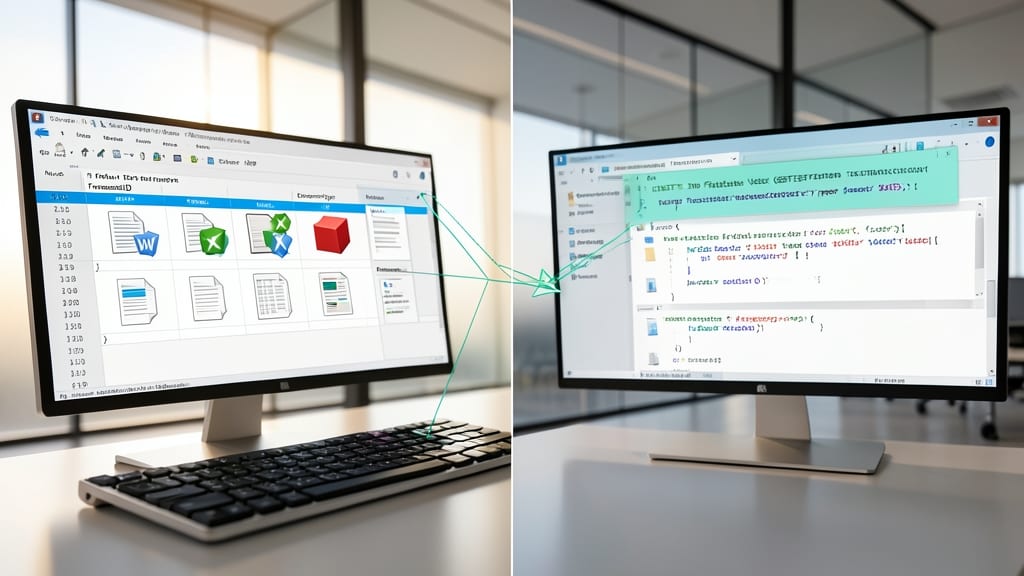
Tired of juggling file systems and databases separately? SQL Server 2012’s FileTable bridges that gap by treating files as database rows—letting you query documents using SQL while maintaining native file system operations like drag-and-drop.
This feature maps files to a special table type with built-in columns for metadata (name, size, path) and even NTFS permissions. You can use standard SQL queries to search content, while Windows Explorer treats it as a regular folder—no extra tools needed. Perfect for document-heavy apps like legal case management or media libraries.
Ideal for developers building systems where files and relational data must coexist—think content management systems or enterprise archives. No more writing custom file parsers or sync scripts! ✨
Sequence Objects for Number Generation

Tired of identity columns limiting your numbering schemes? SQL Server 2012’s sequence objects offer unmatched flexibility for generating unique values across tables—no more workarounds for complex ERP or inventory systems.
These objects let you define custom increment patterns (e.g., starting at 1000 with a 10-step increment), cache values for performance, and even cycle through ranges. Unlike identity columns, they work across multiple tables and support negative numbers or non-sequential gaps—perfect for scenarios like invoice numbering or batch processing.
Developers managing multi-shard databases or high-volume transactions will appreciate the precision and control. The syntax is intuitive, too—just CREATE SEQUENCE and you’re ready to go. ✨
SQL Server Data Quality Services
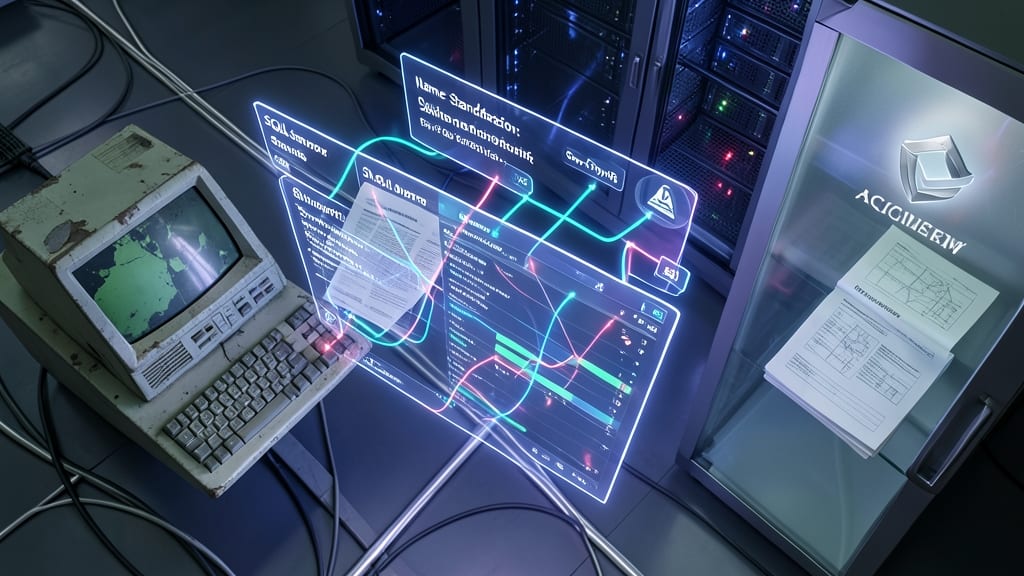
When merging datasets from legacy systems, third-party sources, or acquisitions, SQL Server Data Quality Services (DQS) acts as your data janitor—automating cleansing, standardization, and matching with enterprise-grade precision.
This feature lets you define domain-specific business rules (like name formats or address validation) and apply them across datasets to resolve inconsistencies. The matching engine identifies duplicates with configurable thresholds, while knowledge bases store reusable cleansing logic. For example, you can standardize "St." vs. "Street" in addresses or normalize product codes across systems—all without writing custom scripts.
Perfect for financial institutions consolidating customer records, retailers merging inventory databases, or any organization dealing with data silos. It integrates seamlessly with SQL Server Integration Services (SSIS) for end-to-end data pipeline refinement. ✨
Contained Database Authentication

Tired of juggling server-level permissions just to manage database logins? Contained Database Authentication in SQL Server 2012 lets database owners handle credentials independently—no sysadmin rights required.
This feature introduces contained user databases, where logins are scoped to individual databases rather than the server. You gain fine-grained control over authentication policies, and credentials remain tied to the database even when moved. The CONTAINMENT = PARTIAL setting enables this while keeping compatibility with legacy systems. Perfect for multi-tenant SaaS platforms where tenants need self-service access without exposing server-wide credentials. 💻