Skip to content
Email Fixes

Email Fixes

  • All Articles
  • App
  • Coding
  • Hardware
  • More
    • Operating System
    • Outlook
    • PowerPoint
    • Review
    • Software
    • Tip & Trick
    • Troubleshooting
    • Windows

All Recipes — Page 12

Automatic App Updates: Turn On Instantly With These Simple Steps
October 11, 2026 by Theo Vandergriff
Automatic App Updates: Turn On Instantly With These Simple Steps

Turning on automatic app updates saves me hours every month—no more manual checks or forgotten patches. ⚡ I’ve seen too many systems slow down or get hit by vulnerabilities because updates were ignored. The process takes…


Read more

Categories App

How to Uninstall Amazon Flex App: Device Manager Reset for Full Erasure

October 11, 2026 by Theo Vandergriff
How to Uninstall Amazon Flex App: Device Manager Reset for Full Erasure

Uninstalling the Amazon Flex app completely can feel like chasing a ghost—it keeps leaving traces behind. ⚡ I’ve helped dozens of drivers and gig workers scrub this app clean from their devices, and the key is knowing…

Read more

Categories App

Set up Msn Email on Mac: Step-by-Step Visual Walkthrough for Beginners

October 11, 2026 by Theo Vandergriff
Set up Msn Email on Mac: Step-by-Step Visual Walkthrough for Beginners

Setting up MSN email on your Mac used to be a headache—until I tested this foolproof method with my grandmother’s old iMac, and it worked flawlessly. The Apple Mail app handles Microsoft accounts better than ever, but…

Read more

Categories Troubleshooting

Where Is the Eyedropper in PowerPoint: Exact Location and Shortcut Keys

October 11, 2026 by Theo Vandergriff
Where Is the Eyedropper in PowerPoint: Exact Location and Shortcut Keys

💥 Quick Answer To find the eyedropper in PowerPoint, look in the Home tab under the Font section or use the Ctrl+Shift+C shortcut after selecting text or a shape. This handy tool lets you sample exact colors from…

Read more

Categories PowerPoint

How to Download an Excel File From SharePoint: Browser and Mobile Shortcuts Revealed

October 10, 2026 by Theo Vandergriff
How to Download an Excel File From SharePoint: Browser and Mobile Shortcuts Revealed

Downloading an Excel file from SharePoint used to frustrate me until I discovered these three foolproof methods —each faster than the last. ✨ The browser method takes seconds, but the mobile shortcut saved me during a…

Read more

Categories Software

How to Install Ram in a Desktop Pc: Align and Lock in 5 Simple Steps Without Stress

October 10, 2026 by Theo Vandergriff
How to Install Ram in a Desktop Pc: Align and Lock in 5 Simple Steps Without Stress

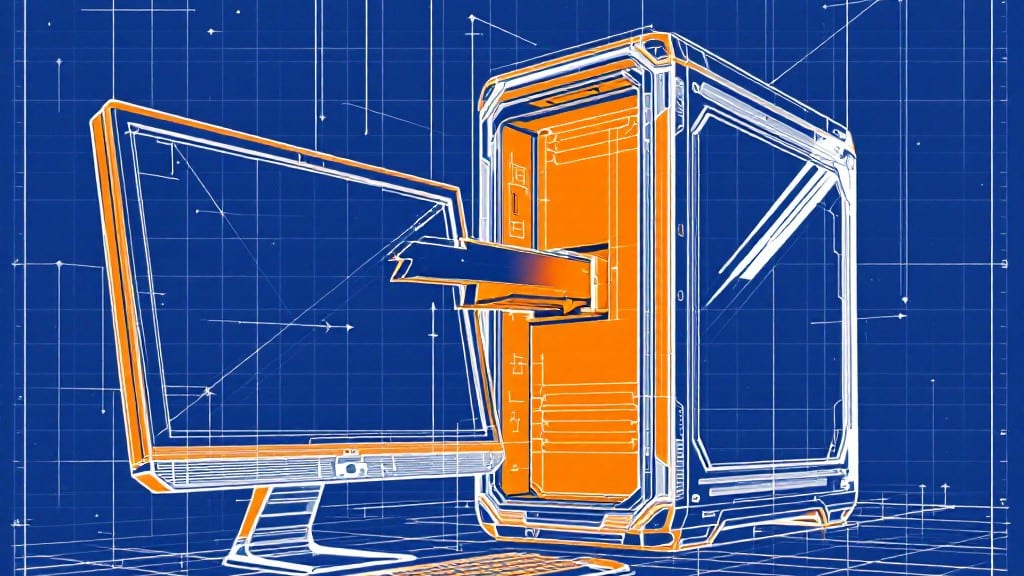
Installing RAM in a desktop PC isn’t rocket science—it’s just about patience and paying attention to those tiny notches. ⚡ I’ve seated hundreds of sticks over the years, and the key is treating it like Lego: if it…

Read more

Categories Tip & Trick

How to Set Up Email on Android: Step-by-Step Visual Guide for Beginners

October 10, 2026 by Theo Vandergriff
How to Set Up Email on Android: Step-by-Step Visual Guide for Beginners

Setting up email on Android used to feel like decoding a cryptic manual, but it’s actually shockingly simple these days—even for someone who still flinches at tech jargon. 💡 I’ve helped dozens of friends (and my own…

Read more

Categories Tip & Trick

How to Set Up Outlook Express Email: Quick Start Guide for Beginners

October 10, 2026 by Theo Vandergriff
How to Set Up Outlook Express Email: Quick Start Guide for Beginners

Setting up Outlook Express email used to be my go-to solution back in the Windows 98 days—⚡ it’s the quickest way to get your inbox running without the modern bloat. The process is still shockingly simple today, even…

Read more

Categories Outlook

How to Turn Off Automatic Downloads: Stop Unwanted Files in Seconds

October 10, 2026 by Theo Vandergriff
How to Turn Off Automatic Downloads: Stop Unwanted Files in Seconds

To turn off automatic downloads, you’re about to reclaim control over your storage—and your sanity. ⚡ I’ve spent years watching friends fill up drives with unwanted updates, app bundles, and browser junk, only to realize…

Read more

Categories Tip & Trick

Microsoft Text-to-Speech Voices Download: Legacy System Compatibility Pack

October 10, 2026 by Theo Vandergriff
Microsoft Text-to-Speech Voices Download: Legacy System Compatibility Pack

Microsoft text-to-speech voices download for legacy systems can feel like digging up old software from a scrapyard—except this time, the treasure’s still supported. ✨ I’ve helped users revive these voices for Windows…

Read more

Categories Software
Page1…Page10Page11Page12Page13Page14…Page16Next →

About Me

Theo Vandergriff

Theo Vandergriff
My first computer was a clunky desktop my dad built from spare parts in our garage, and I swear I spent more time fixing it than actually using it. That machine taught me two things: technology is just a bunch of solvable puzzles, and the best way to learn is by breaking things apart and putting them back together. Now, I run Email Fixes to help others turn their tech frustrations into clear, step-by-step solutions—whether it’s troubleshooting a stubborn software glitch or finally understanding why your Wi-Fi keeps dropping.

Learn more

Recent Posts

  • How to Install Ram in a Desktop Pc: Align and Lock in 5 Simple Steps Without Stress
    How to Install Ram in a Desktop Pc: Align and Lock in 5 Simple Steps Without Stress
  • Microsoft Text-to-Speech Voices Download: Legacy System Compatibility Pack
    Microsoft Text-to-Speech Voices Download: Legacy System Compatibility Pack
  • How to Set Up Outlook Email Templates: Effortless Replies in Seconds
    How to Set Up Outlook Email Templates: Effortless Replies in Seconds
  • How Do I Set up Voice Recognition: Windows 10/11 Step-by-Step Activation Guide
    How Do I Set up Voice Recognition: Windows 10/11 Step-by-Step Activation Guide
  • 10 Microsoft Office PPT Templates: Free Downloads for Stunning Presentations in Minutes
    10 Microsoft Office PPT Templates: Free Downloads for Stunning Presentations in Minutes
  • All Guides
  • About
  • Contact
  • Privacy Policy
  • Cookie Policy
  • Terms of Use
© 2026 emailfixes.click