
Software
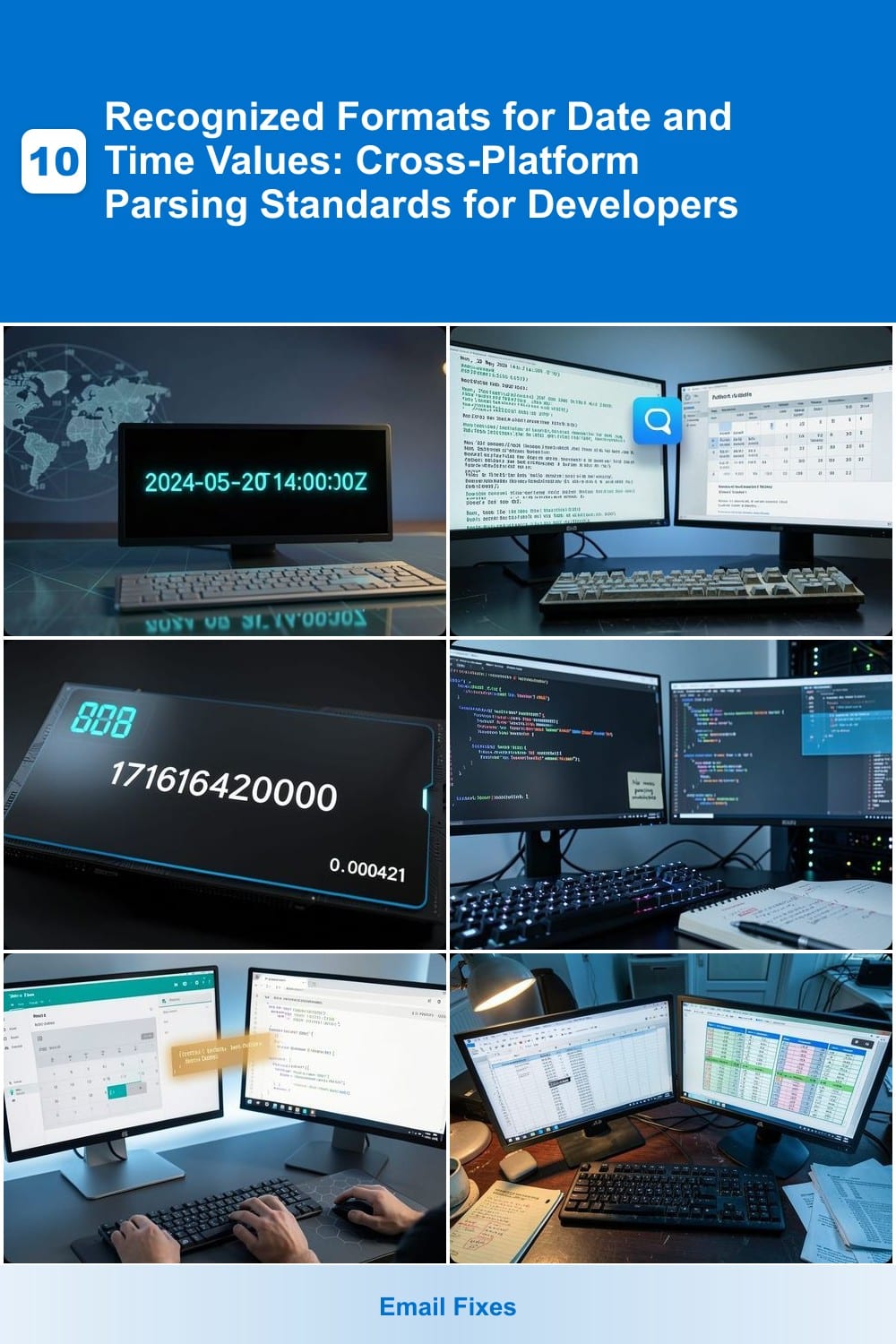
Developers and data professionals face constant challenges parsing date and time values across platforms. These seven standardized formats ensure consistency in applications, databases, and APIs—reducing bugs and improving cross-compatibility.
ISO 8601 Date-Time Format

Tired of debugging date-time inconsistencies across systems? The ISO 8601 format solves this with a globally recognized standard like 2024-05-20T14:30:00Z. Its unambiguous structure—year-month-day followed by time in 24-hour format—eliminates confusion between MM/DD and DD/MM formats.
This format is natively supported in JavaScript (via toISOString()), Python (datetime.isoformat()), and databases like PostgreSQL and MySQL. The Z suffix denotes UTC, while time zones can be specified with offsets like +05:30. APIs and cloud services—AWS, Firebase, and Stripe—rely on ISO 8601 for consistency.
Perfect for backend developers, API designers, and data engineers who need machine-readable precision without locale quirks. ⚡
RFC 2822 (IMAP/Email Format)
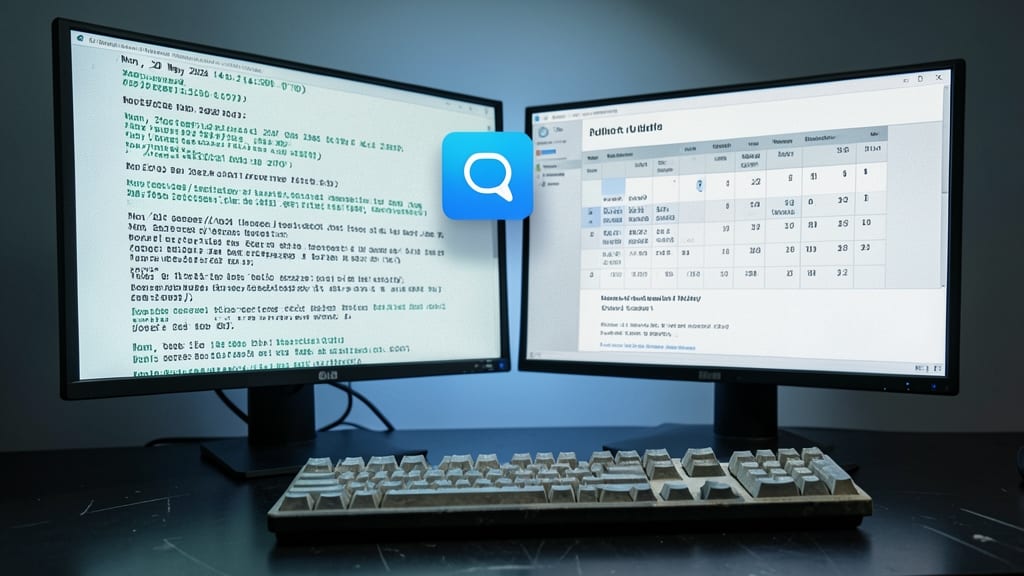
If you’ve ever struggled with parsing email headers or calendar invites, RFC 2822 is the unsung hero of legacy systems. This standard defines the Mon, 20 May 2024 14:30:00 -0700 format, ensuring emails and calendar events sync seamlessly across Outlook, Gmail, and older protocols like IMAP.
Unlike ISO 8601’s machine-friendly structure, RFC 2822 prioritizes human readability while embedding timezone offsets (e.g., -0700 for PDT). It’s the default for SMTP headers, email clients, and even some APIs, making it critical for backward compatibility. The format’s strict rules (e.g., three-letter day abbreviations, four-digit years) prevent ambiguity in parsing.
For developers maintaining legacy systems or working with email infrastructure, RFC 2822 is a must-know to avoid parsing errors in headers or calendar data. ⚡
Unix Timestamp (Epoch Time)

Need to log events with sub-millisecond precision? Unix timestamps (or Epoch Time) are the go-to choice for systems where every microsecond matters. Unlike human-readable formats, this 64-bit integer (e.g., 1716164200000) represents the number of milliseconds since January 1, 1970, making it perfect for sorting, indexing, and calculations in databases or analytics pipelines.
Linux systems use it natively via the date +%s command, while Node.js provides Date.now() for instant conversion. Backend APIs often store timestamps in this format to minimize storage space and speed up comparisons—ideal for tracking user sessions or monitoring server performance.
If you're building high-frequency trading platforms, IoT telemetry, or real-time dashboards, Unix timestamps are the unsung hero behind the scenes. ⚡
SQL Date-Time Formats

When writing queries that span multiple databases, the last thing you need is a parsing error ruining your stored procedure. That’s why database-specific SQL date-time formats like YYYY-MM-DD HH:MI:SS exist—ensuring consistency across MySQL, PostgreSQL, and SQL Server regardless of regional settings.
MySQL defaults to '2024-05-20 14:30:00', while PostgreSQL uses TO_DATE('20/05/2024 14:30', 'DD/MM/YYYY HH24:MI') for explicit formatting. SQL Server leans on CAST('2024-05-20' AS DATE) or DATETIME types. These standards prevent locale-dependent quirks, like unexpected month/day swaps, and keep your queries portable.
Perfect for backend developers, data engineers, and DevOps teams managing cross-database systems. ⚡
JavaScript Date Object
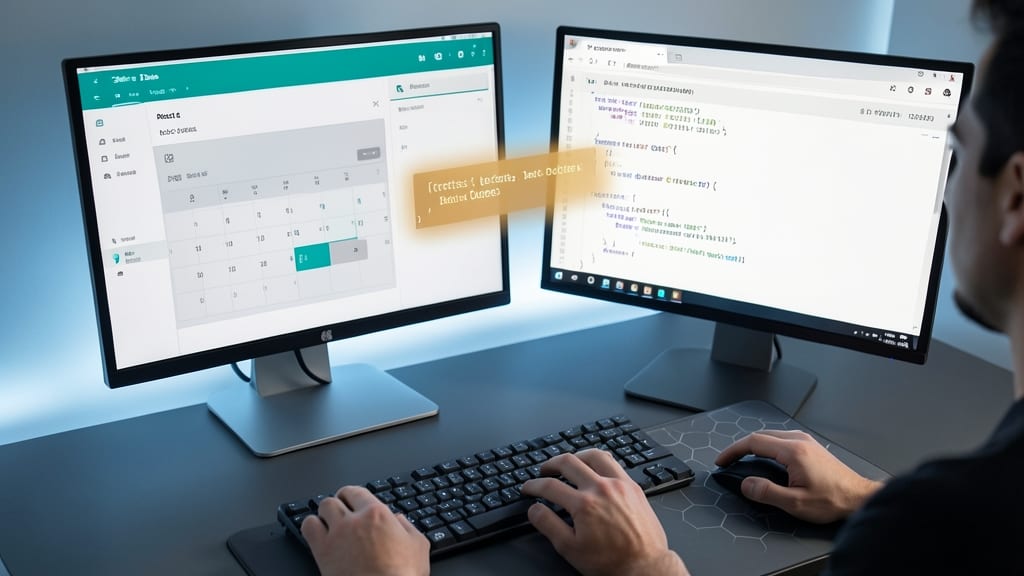
If you’re building a full-stack JavaScript app, the JavaScript Date Object is your secret weapon for keeping frontend and backend in sync. Unlike other formats, it’s baked directly into the language, so you don’t need external libraries to handle dates consistently across React, Angular, or Node.js.
With methods like toISOString() (outputs 2024-05-20T14:30:00.000Z), you get ISO 8601 compliance out of the box, while getTime() lets you work with Unix timestamps seamlessly. The object also handles time zones automatically, reducing bugs in global applications. Perfect for APIs, user sessions, or scheduling systems.
Frontend developers and full-stack engineers will love how it eliminates format mismatches between client and server. Just instantiate with new Date() and let JavaScript handle the rest. ✨
Excel/Office Date-Time
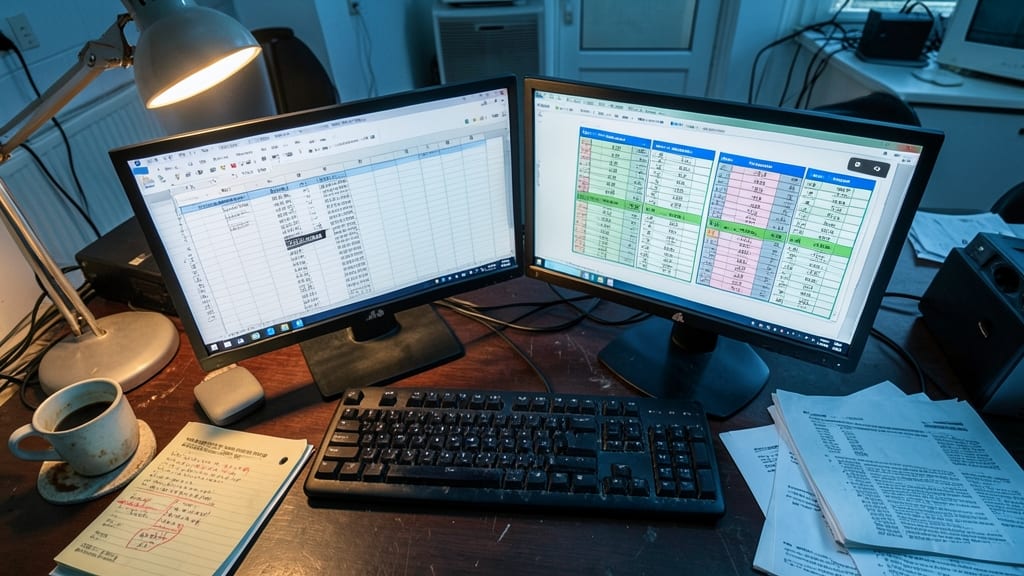
When migrating data between systems or automating workflows in Microsoft Excel or Office Suite, locale-dependent date formats can turn into a nightmare. A simple 05/10/2024 could mean May 10th in the U.S. or October 5th in Europe—unless you account for these regional quirks upfront.
Excel defaults to MM/DD/YYYY in the U.S. but switches to DD/MM/YYYY in many European locales, while Japanese systems often use YYYY/MM/DD. Office apps also support custom formats like DD-MON-YY (e.g., 10-MAY-24) or HH:MM AM/PM for time values. Developers using VBA macros or Power Query must explicitly handle these variations to avoid parsing errors in automation scripts.
This format is ideal for data analysts, small business owners, and automation engineers working with legacy systems or international teams. Always validate formats before processing—Excel’s =ISNUMBER() function or Python’s dateutil library can help. 💻
Human-Readable Localized Formats
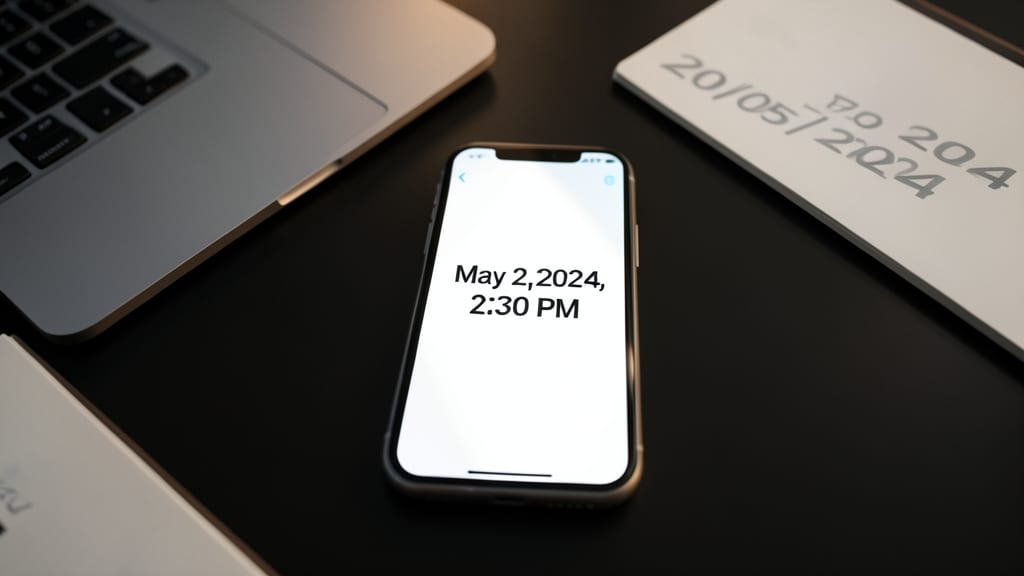
When your app needs to display dates in a way users instantly recognize—like "May 20, 2024, 2:30 PM"—you’re dealing with human-readable localized formats. Unlike machine-friendly standards, these formats prioritize clarity for end-users while adapting to regional preferences (e.g., "20/05/2024" in the UK vs. "05/20/2024" in the U.S.).
Libraries like moment.js (now legacy but still widely used) or date-fns (modern, lightweight alternative) handle the heavy lifting by parsing ISO 8601 internally and rendering it in 120+ locales with zero config. For example, date-fns’s format() function lets you specify "MMMM do, yyyy, h:mm a" for natural language output, while date-fns-tz adds timezone support without bloating your bundle.
Perfect for global SaaS apps, localized dashboards, or customer-facing reports, these formats bridge the gap between technical storage (like Unix timestamps) and user experience. Just remember: always validate input to avoid ambiguous dates like "01/02/2024." ✨