
Tip & Trick
Remote work offers flexibility but exposes you to cyber threats like phishing, ransomware, and data leaks. These 10 security best practices—backed by IT experts—will help you fortify your digital workspace and outsmart hackers before they strike.
Multi-Factor Authentication for Every Account
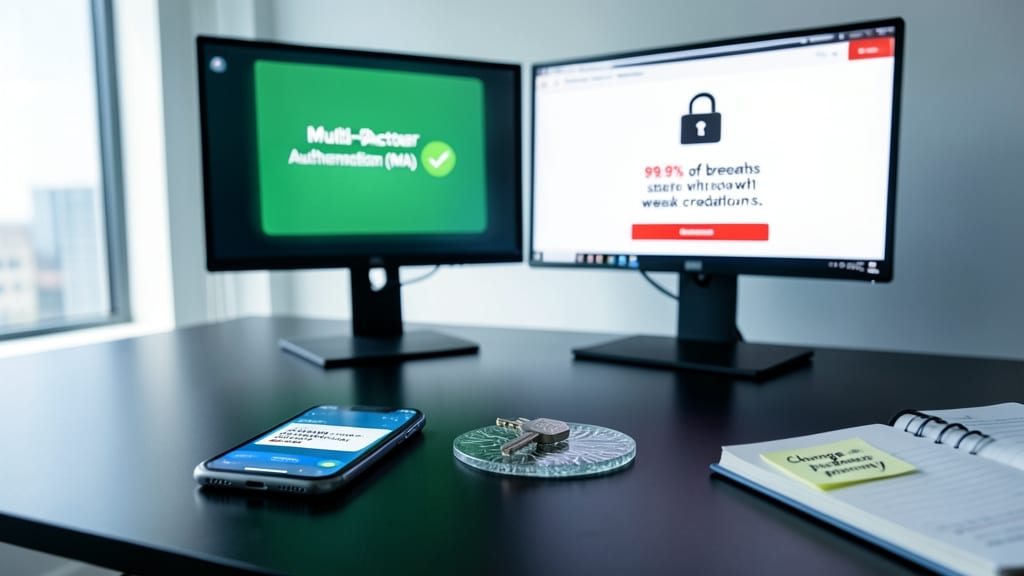
Your passwords alone aren’t enough—99.9% of automated account breaches exploit weak or stolen credentials. Multi-Factor Authentication (MFA) adds an extra layer of protection, ensuring only you can access critical accounts, whether personal or work-related.
Most platforms now support SMS codes, authenticator apps (like Google Authenticator or Duo Security), or biometric verification—each offering different trade-offs between convenience and security. For example, push notifications provide instant approvals, while hardware keys (like YubiKey) offer the highest resistance to phishing. Even free options like Microsoft Authenticator or Google’s 2FA deliver robust protection without breaking the bank.
This is non-negotiable for remote workers handling sensitive data, but it’s equally vital for personal accounts (banking, email, social media). Enable MFA everywhere—it’s the simplest, most effective way to stop hackers in their tracks. 💪
Virtual Private Network on Public Wi-Fi
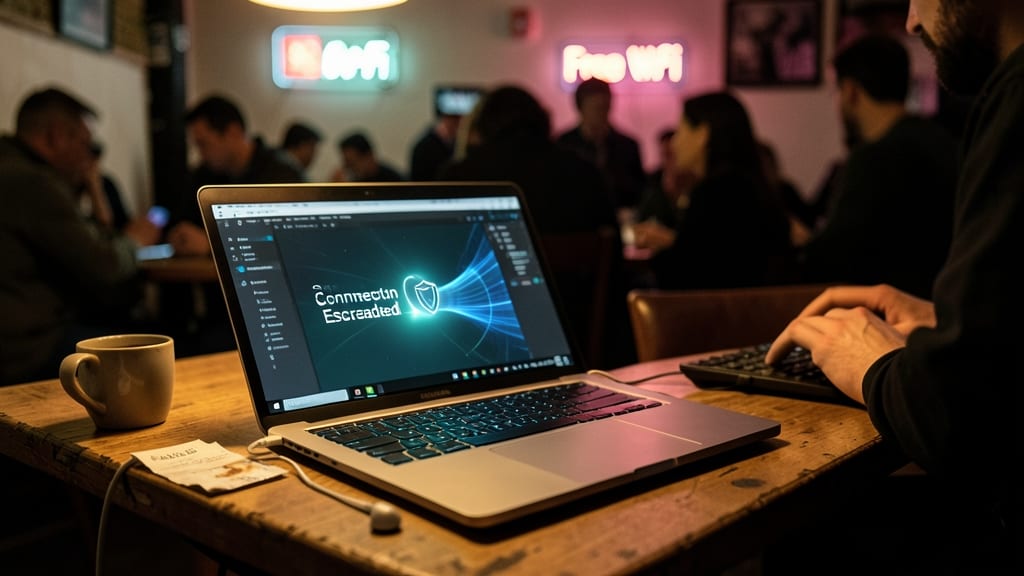
Public Wi-Fi is a hacker’s playground—unencrypted connections let cybercriminals intercept your data in seconds. A VPN (Virtual Private Network) turns that risk into a moat around your digital fortress, routing all traffic through an encrypted tunnel that even the most determined eavesdropper can’t crack.
Top-tier VPNs like NordVPN or ProtonVPN offer military-grade AES-256 encryption, zero-log policies (meaning your activity stays private), and kill switches that cut your connection instantly if the VPN drops. For remote workers, split tunneling lets you encrypt only work traffic while keeping personal browsing fast. Most providers cost under $5/month—a small price for peace of mind.
This is non-negotiable for freelancers, developers, or anyone accessing HR files, client data, or financial systems from a café or airport. Just one wrong click on an unsecured network could expose years of sensitive work—don’t let it happen to you. ⚡
Password Manager with Biometric Lock
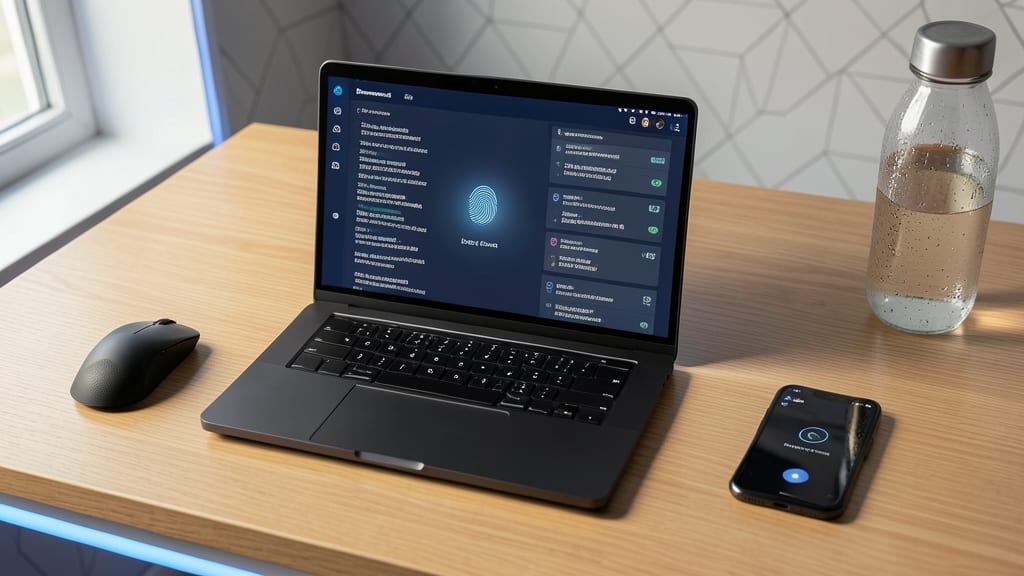
Tired of juggling dozens of passwords—or worse, reusing the same weak one across accounts? A password manager with biometric lock like Bitwarden or 1Password solves this by auto-generating 256-bit encrypted credentials and storing them behind your fingerprint or Face ID.
These tools eliminate password fatigue by filling credentials instantly across devices, while zero-knowledge architecture ensures only you can access your vault. Features like shared folders for teams and emergency access codes make them ideal for remote collaboration without sacrificing security. 🌟
Endpoint Detection and Response Software
What if malware could be stopped before it even runs on your device? Endpoint Detection and Response (EDR) software does exactly that by monitoring your systems in real-time, making it a game-changer for remote workers using personal devices for work.
Tools like CrowdStrike Falcon or Microsoft Defender for Endpoint provide AI-driven threat detection, behavioral analysis, and automated response capabilities. They don’t just flag viruses—they stop advanced attacks like ransomware and zero-day exploits from executing, even if they bypass traditional antivirus. Many also include detailed forensic reports to help you understand how an attack happened.
This is especially valuable for freelancers, contractors, or employees who blend work and personal tech. With EDR, you get enterprise-grade protection without needing an IT department. 💻
Secure File Sharing with Encryption
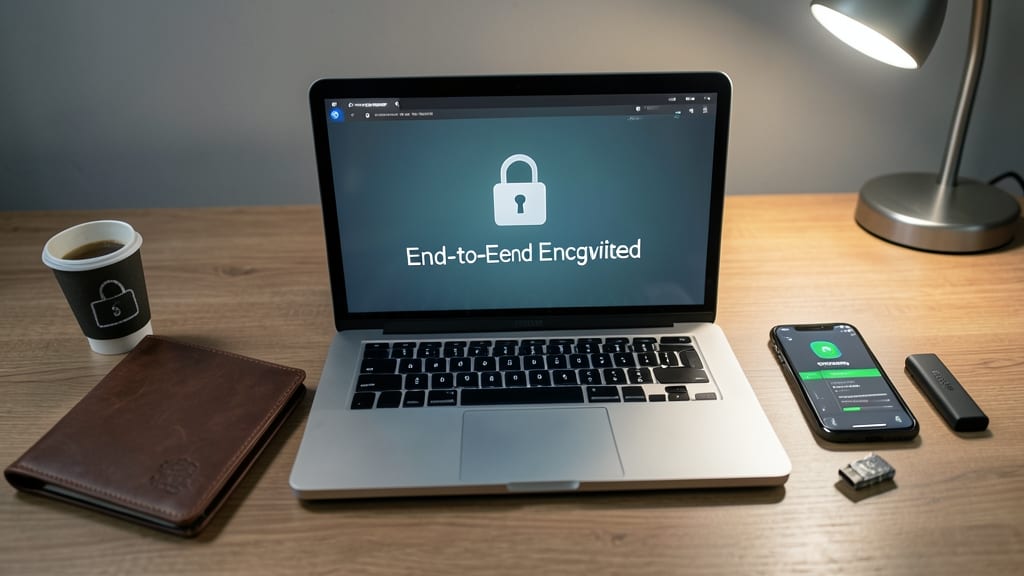
When sharing sensitive contracts or client data, standard email attachments leave your files vulnerable during transit. Tools like Cryptomator or Boxcryptor encrypt files before they leave your device, ensuring only authorized recipients can decrypt and access them—even if intercepted.
These solutions use AES-256 encryption (the same standard used by governments) and integrate seamlessly with cloud services like Dropbox or Google Drive. You retain full control over encryption keys, and files appear as unreadable gibberish to anyone without the password. For teams, shared vaults let collaborators access decrypted files without exposing the originals.
Ideal for freelancers, legal professionals, or anyone handling HIPAA/GDPR-compliant data, these tools turn file sharing into a secure, zero-trust process. 🌟
Regular Software Patch Management
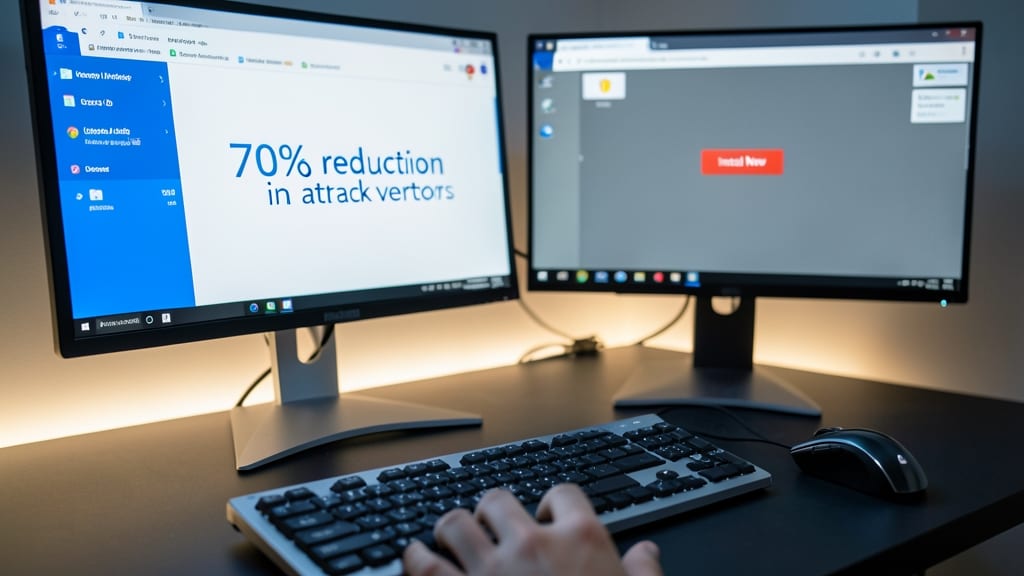
Most cyberattacks exploit unpatched software—yet many remote workers ignore updates because they’re "inconvenient." The truth? Automated patch management shuts down 70% of potential attack vectors before they become threats, per Microsoft’s security data.
Modern operating systems like Windows 10/11 and macOS now include built-in auto-update features for critical security patches, while tools like WSUS (Windows Server Update Services) or Patch Manager Plus let IT teams enforce updates across fleets. Even third-party apps (think browsers, PDF readers, or collaboration tools) often release zero-day fixes—patches that block newly discovered exploits.
This practice is non-negotiable for freelancers handling client data or corporate employees with BYOD policies. Set updates to install automatically and schedule reboots during off-hours to keep your system locked down without disruption. ⚡
Phishing Simulation Training Program
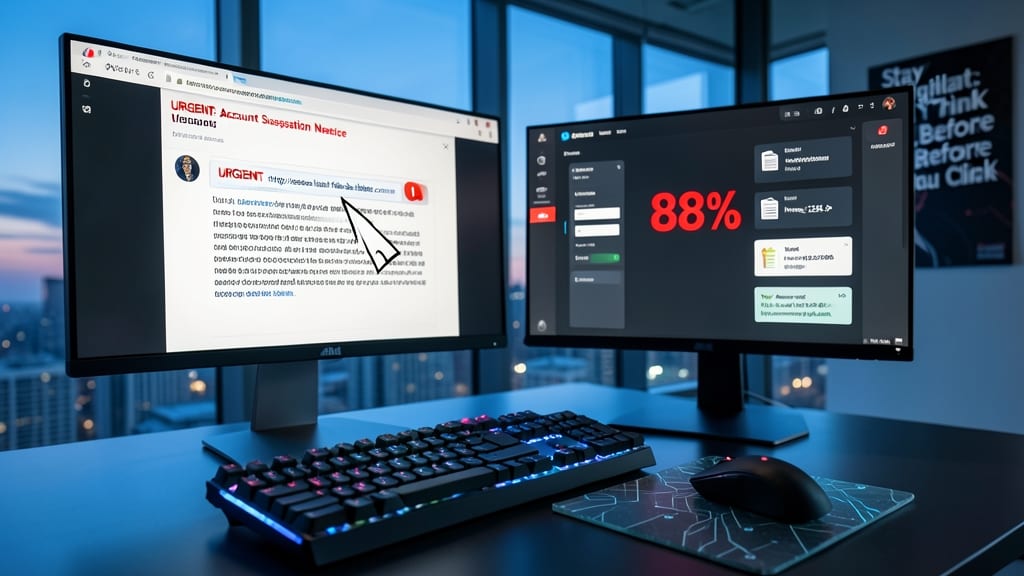
Think you’re too savvy to fall for phishing scams? 88% of data breaches start with a tricked employee—often through eerily realistic fake emails or messages. A phishing simulation training program flips the script by turning your team into cybersecurity pros through hands-on drills.
These programs deliver customizable attack simulations (spear-phishing, vishing, or smishing) that mimic real threats, complete with automated reporting to track improvement over time. Platforms like KnowBe4 or Proofpoint offer templates for industries from healthcare to finance, with AI-driven feedback that explains why a click was risky. Most reduce successful phishing attempts by 60-70% after just three training rounds.
Perfect for small businesses without dedicated IT teams or remote-first companies where employees handle sensitive data daily. Even solo freelancers can use personal training modules to stay sharp. 💡
Device Encryption for All Storage Media

Losing a device isn’t just a hassle—it’s a potential security nightmare if your data isn’t protected. Device encryption turns your hard drive, SSD, or even external storage into a digital vault, rendering files unreadable without the correct authentication. This isn’t just paranoia; it’s a mandatory compliance requirement for industries handling sensitive data like healthcare, finance, and government.
Modern operating systems make this effortless: BitLocker (Windows), FileVault (macOS), and LUKS (Linux) all offer zero-configuration encryption that activates with a single toggle. Even mobile devices benefit—Android’s Full Disk Encryption and iOS’s Activation Lock ensure your data stays locked down. The best part? Encryption runs silently in the background, with no performance hit on most systems.
This is non-negotiable for anyone working with client data, proprietary info, or personal records. Whether you’re a freelancer, corporate employee, or remote contractor, enabling encryption is the simplest way to sleep soundly—even if your laptop walks off with a café barista. 🔧
Secure Remote Desktop Protocol Configuration
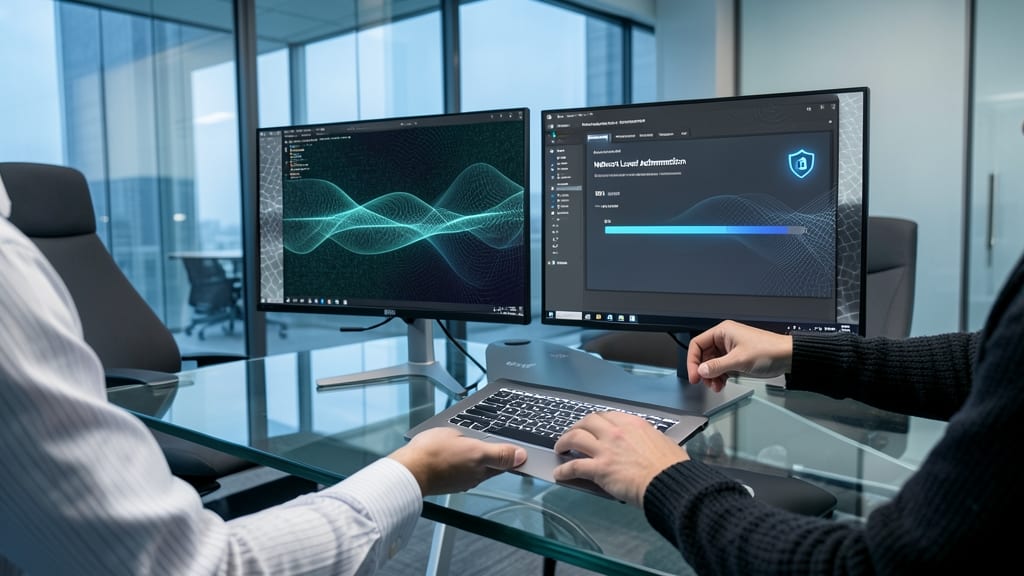
Struggling to securely share your screen during remote support sessions? Remote Desktop Protocol (RDP) with TLS encryption creates a shielded tunnel for your sessions, blocking credential theft and man-in-the-middle attacks—critical for IT teams and remote collaborators.
Configure Network Level Authentication (NLA) to require credentials before establishing the connection, and enforce 128-bit AES encryption for data in transit. Tools like Microsoft's Remote Desktop Services or open-source xrdp (for Linux) let you enforce these settings with minimal setup. This isn’t just about security—it’s about ensuring your shared sessions stay private, even on untrusted networks.
Perfect for IT support professionals, remote developers, or anyone regularly sharing screens with clients or teammates. With the right config, you’ll never have to worry about keyloggers or session hijacking again. ✨
Regular Security Audits and Log Reviews
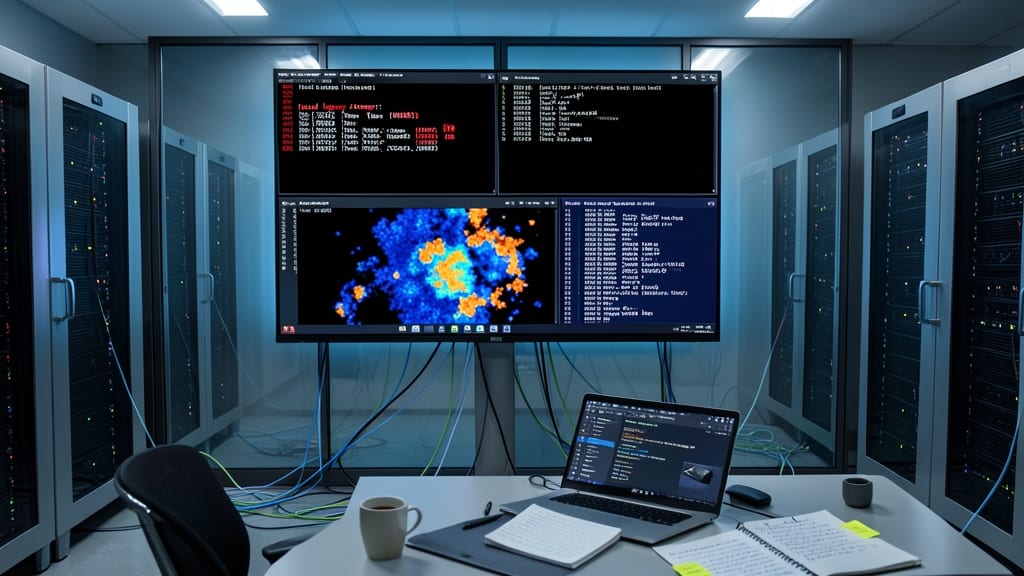
Think of your system logs as the security camera footage of your digital life—most people never watch them until something goes wrong. Regular security audits and automated log reviews act as your proactive security team, scanning for anomalies like failed login attempts, unusual data access, or misconfigured permissions before they become full-blown incidents.
Tools like Splunk, Wazuh, or Microsoft Defender for Endpoint can automate this process, analyzing logs in real-time for patterns that match known threats or policy violations. For example, they’ll flag a sudden spike in outbound data transfers (potential data exfiltration) or an unauthorized change to firewall rules—issues that would fly under the radar in manual checks. Many solutions integrate with SIEM (Security Information and Event Management) platforms to provide actionable alerts.
This practice is non-negotiable for IT teams but equally valuable for remote workers handling sensitive data. Even if you’re not a security expert, enabling basic log monitoring (often included in endpoint protection suites) gives you an early warning system for breaches you’d otherwise miss. 💡